
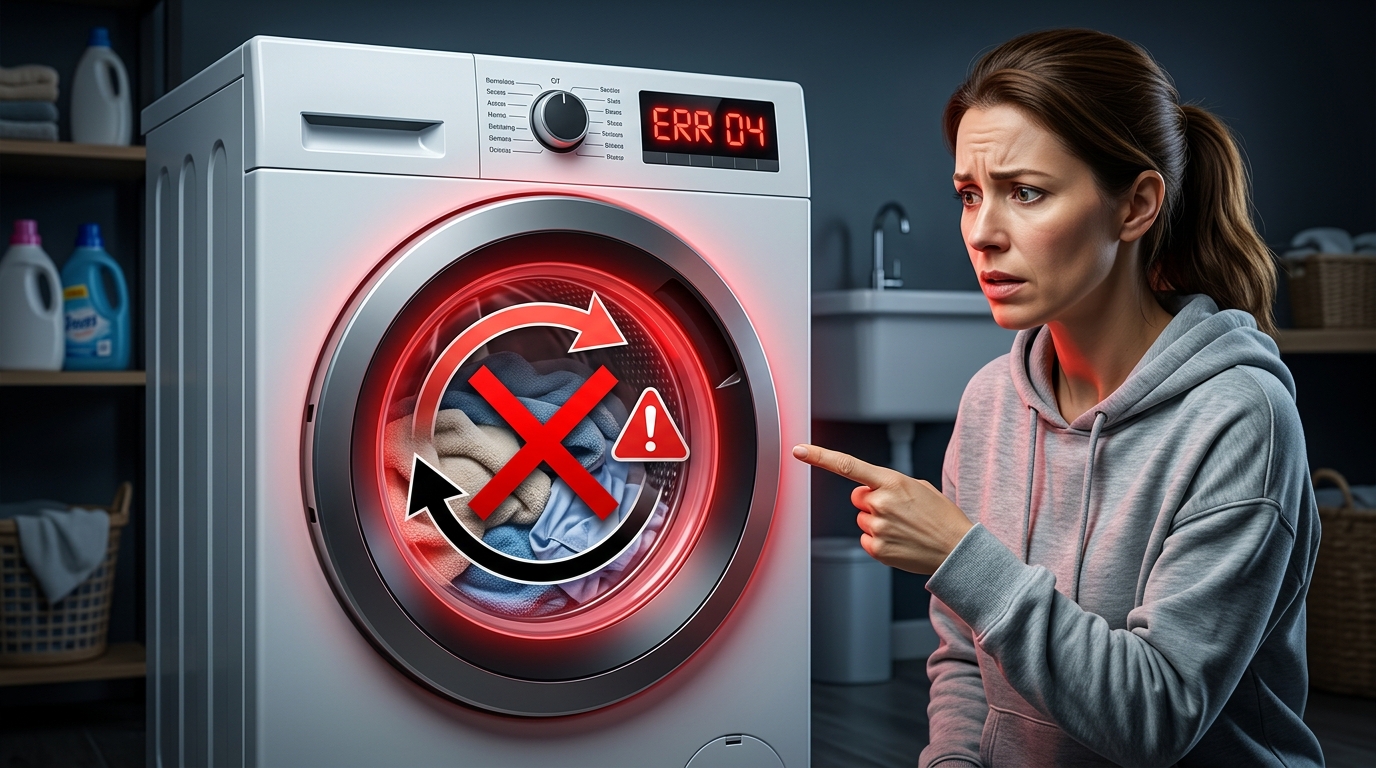
A washing machine that refuses to spin or drain is one of the most common household appliance problems. It usually doesn’t mean the machine is broken beyond repair—most causes are related to blockages, simple mechanical issues, or user settings.
This guide walks you through a clear, step-by-step troubleshooting process to help you identify and fix the problem safely.
1. Common Symptoms of the Problem
Before starting repairs, confirm the issue matches one or more of the following:
- Clothes come out soaking wet after a full cycle
- Water remains inside the drum after washing
- Machine stops mid-cycle
- Spin cycle does not start at all
- Loud humming sound but no draining action
- Error codes related to drainage or spinning (varies by model)
If you notice these symptoms, the issue is likely related to drainage, spinning mechanism, or both.
2. Most Common Causes
A washing machine that won’t spin or drain usually fails due to one of these reasons:
Blocked Drain System
- Clogged drain pump filter
- Kinked or blocked drain hose
- Obstruction inside the pump
Door or Lid Issues
- Door not locking properly
- Faulty door switch preventing spin cycle
Overloading or Imbalance
- Too many clothes inside the drum
- Heavy items grouped on one side
Pump or Motor Problems
- Weak or damaged drain pump
- Worn motor or belt issues
Control System Errors
- Faulty control board
- Interrupted cycle program
3. Step-by-Step Troubleshooting Guide
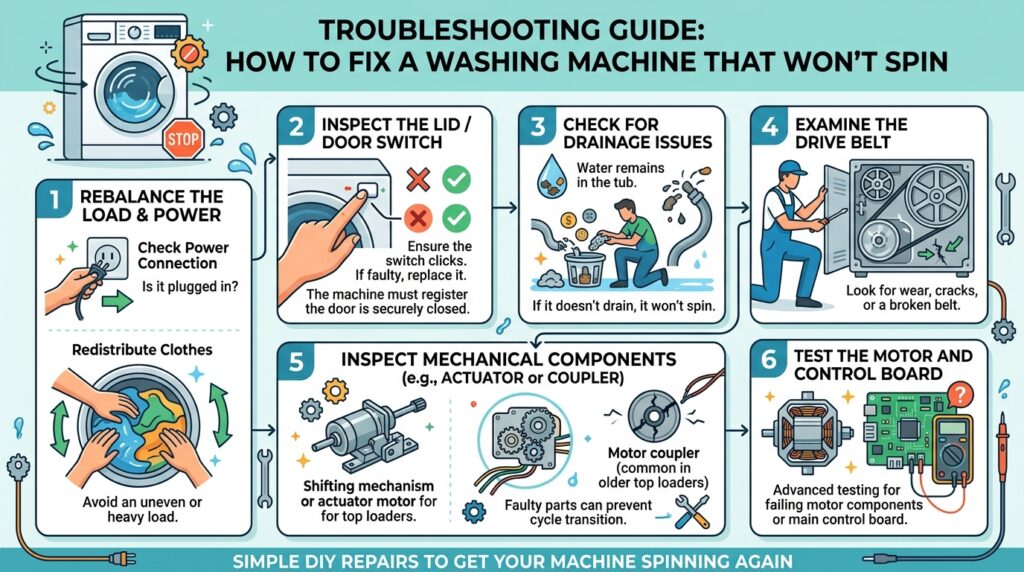
Step 1: Check Power and Reset the Machine
- Turn off the washer and unplug it for 5–10 minutes
- Plug it back in and restart a spin cycle
- Some control errors reset automatically after a power cycle
Step 2: Inspect the Load Inside the Drum
- Open the door and redistribute clothes evenly
- Remove excess items if overloaded
- Avoid mixing heavy items like towels with light fabrics
Imbalanced loads often prevent proper spinning.
Step 3: Clean the Drain Pump Filter
This is one of the most common causes.
- Locate the filter (usually at the bottom front panel)
- Place a towel or shallow tray underneath
- Slowly open the filter cap
- Remove lint, coins, hair, or debris
- Rinse thoroughly before reinstalling
A clogged filter can completely stop drainage.
Step 4: Check the Drain Hose
- Ensure the hose is not bent or crushed
- Disconnect and flush it with water if needed
- Confirm the hose is installed at the correct height
- Remove any visible blockages
A restricted hose prevents water from exiting the machine.
Step 5: Listen for the Drain Pump
Start a drain or spin cycle and observe:
- No sound: Pump may be faulty or not receiving power
- Humming sound only: Pump may be blocked or jammed
- Normal sound but no drainage: Internal blockage likely
Step 6: Check the Door Lock System
If the door doesn’t lock properly, the spin cycle will not activate.
- Close the door firmly and restart the cycle
- Inspect for damage around the latch
- A faulty door switch may require replacement
Step 7: Inspect the Drive Belt (if applicable)
For belt-driven machines:
- Check if the belt is loose or broken
- A worn belt can prevent spinning even if the motor runs
[yarpp reference_id=161 template=”thumbnails” limit=4 order=”rand”]
4. Error Codes (If Your Machine Displays Them)
Common drainage/spin-related error indicators may include:
- Drain error (water not exiting)
- Spin error (drum not rotating)
- Door lock error (cycle blocked for safety)
Refer to your specific model manual for exact code definitions.
5. When to Call a Technician
You should seek professional help if:
- The pump is not working after cleaning
- You hear burning smells or electrical issues
- The drum does not spin even when empty
- The control board appears unresponsive
- Water leaks inside the machine body
These may indicate motor, PCB, or internal wiring faults.
6. Prevention Tips
To avoid future issues:
- Clean the drain filter every 2–4 weeks
- Avoid overloading the drum
- Check pockets before washing clothes
- Use the correct detergent amount
- Run a maintenance wash monthly
Watch this video: Front-Load Washer Won’t Spin — Washing Machine Troubleshooting by RepairClinic.com to learn quick and practical steps to diagnose and fix the issue.
Final Thoughts
A washing machine that won’t spin or drain is often caused by simple, fixable issues like blockages or imbalance. By following a structured troubleshooting approach—starting from basic checks to deeper inspection—you can often restore normal function without costly repairs.
If the problem persists after these steps, the issue is likely mechanical or electrical and requires professional diagnosis.
View more washer troubleshooting guides to quickly solve common washing machine problems such as draining issues, spin cycle failures, error codes, and water leaks. These step-by-step guides help you identify the cause faster and find practical solutions to get your appliance working properly again.
Affiliate Disclosure: This page may contain affiliate links. If you purchase through these links, we may earn a small commission at no extra cost to you.