
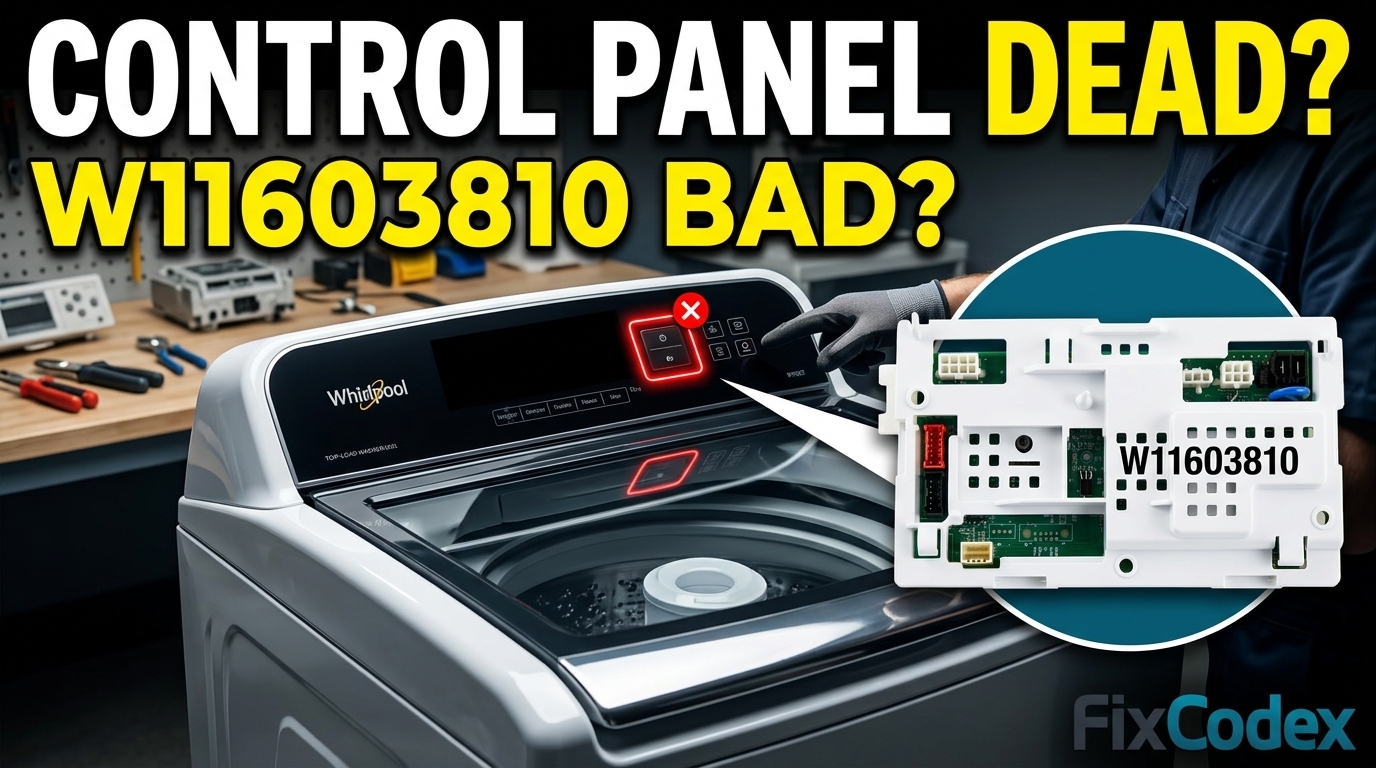
Whirlpool Washer Control Panel Not Responding? Diagnose the W11603810 Control Board
If your Whirlpool washer control panel is not responding, the problem may be as simple as a power issue or as serious as a failed W11603810 control board. When the buttons stop working, the display remains blank, or the washer refuses to start, proper diagnosis can help you avoid replacing unnecessary parts.
“Diagnose first, replace later.”
This guide explains the most common causes of an unresponsive control panel and how to determine whether the W11603810 control board is the source of the problem.
Common Symptoms of a Whirlpool Washer Control Panel Not Responding
A Whirlpool washer control panel not responding can cause symptoms ranging from a blank display to non-working buttons. Identifying these signs can help determine whether the issue involves the power supply, user interface, wiring, or the W11603810 control board.
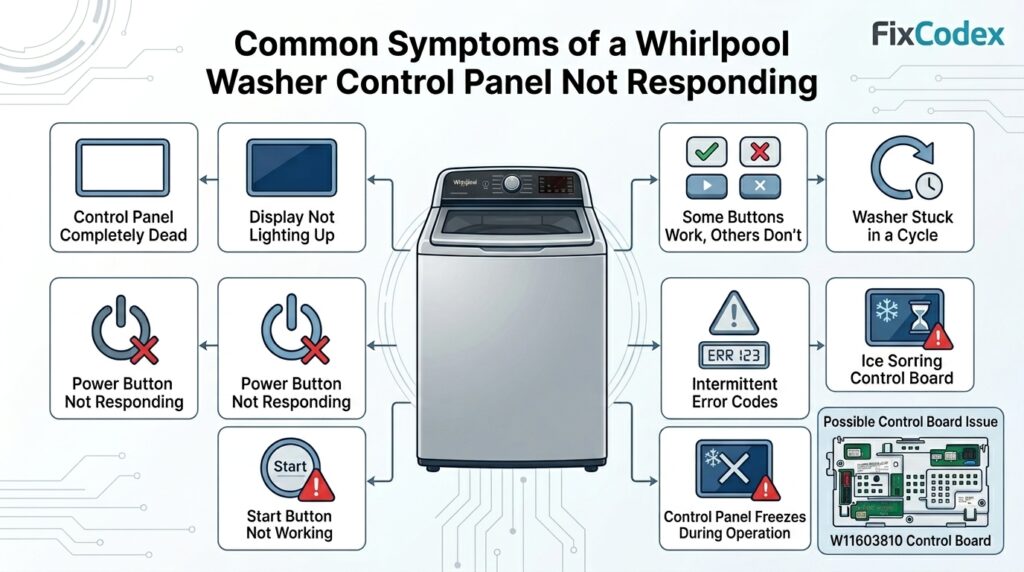
A faulty control system can cause several symptoms, including:
- Control panel completely dead
- Display not lighting up
- Power button not responding
- Start button not working
- Some buttons work while others do not
- Washer stuck in a cycle
- Error codes appearing intermittently
- Control panel freezing during operation
These symptoms can be caused by the main control board, user interface board, wiring problems, or power supply issues.
Step 1: Verify Incoming Power
Before suspecting the control board, confirm that the washer is receiving proper power.
Check the following:
- Circuit breaker is not tripped
- Outlet provides correct voltage
- Power cord is securely connected
- No signs of burned outlets or damaged plugs
A power supply problem can make the washer appear completely unresponsive even when all internal components are functioning properly.
Step 2: Perform a Hard Reset
Sometimes the control software may freeze.
To reset the washer:
- Unplug the washer.
- Wait 5 minutes.
- Plug it back in.
- Attempt to start a cycle.
If the control panel begins working normally after the reset, the issue may have been a temporary software fault rather than a failed component.
Step 3: Check for Control Lock
Many Whirlpool washers include a Control Lock feature.
Signs of Control Lock include:
- Buttons do not respond
- Display remains active
- Washer will not start
Refer to the owner’s manual and disable Control Lock before proceeding with further diagnosis.
Step 4: Inspect Wiring Connections
Loose or damaged wiring can interrupt communication between the control panel and the main board.
Inspect:
- User interface harness
- Main control board connectors
- Wire terminals
- Signs of corrosion or moisture damage
A loose connector can create symptoms identical to a failed control board.
Step 5: Whirlpool Washer Buttons Not Working
When only certain buttons fail while the display remains operational, the problem may be related to the user interface assembly rather than the main control board.
Common symptoms include:
- Start button works intermittently
- Cycle selection buttons do not respond
- Touch controls require multiple presses
This is an important distinction during Whirlpool washer buttons not working troubleshooting because replacing the main board may not solve the problem if the user interface has failed.
Step 6: User Interface vs Control Board Troubleshooting
One of the most common diagnostic challenges is determining whether the user interface or main control board is defective.
Signs of a User Interface Failure
- Display functions normally
- Only some buttons stop responding
- Random button behavior
- Touchpad issues
Signs of a Main Control Board Failure
- Completely dead control panel
- Washer will not power on
- Communication errors
- Washer stops mid-cycle
- Multiple functions fail simultaneously
Proper Whirlpool washer user interface vs control board troubleshooting can save both time and repair costs.
Step 7: Inspect the W11603810 Control Board
The W11603810 control board serves as the washer’s primary electronic control center.
Common failure symptoms include:
- Dead display
- No response from controls
- Washer won’t enter diagnostic mode
- Intermittent operation
- Burn marks on the circuit board
- Burned electronic odor
After disconnecting power, remove the access panel and visually inspect the board for:
- Burned components
- Swollen capacitors
- Corrosion
- Moisture damage
- Loose connectors
Visible damage strongly indicates board failure.
Watch: How To Fix a Whirlpool Washer Control Panel Not Working
If your Whirlpool washer’s control panel is unresponsive, this video by Helpful Solutions walks through common causes and troubleshooting steps. Learn how to check power issues, reset the washer, inspect controls, and determine whether a faulty control board may be responsible for the problem.
When Should You Replace the W11603810 Control Board?
Replacement may be necessary if:
- Proper power is present
- Wiring connections are secure
- User interface tests good
- Reset procedures do not help
- The board shows physical damage
- Diagnostic testing points to board failure
Always verify the diagnosis before purchasing a replacement board, since control boards are among the most expensive washer components.
Learn More About the Whirlpool W11603810 Control Board
Discover full technical specifications, compatibility lists, and current eBay pricing options (ranging from $125 for refurbished units to $205+ for brand new OEM modules) by visiting our comprehensive Whirlpool W11603810 Washer Control Board Deep Dive.
A Whirlpool washer control panel not responding does not automatically mean the W11603810 control board has failed. Power supply issues, Control Lock settings, damaged wiring, and user interface failures can produce similar symptoms.
By following this W11603810 control board diagnosis guide and performing careful Whirlpool washer user interface vs control board troubleshooting, you can identify the true cause of the problem and avoid unnecessary part replacements.
Related Articles
- Whirlpool Washer Stops Mid-Cycle: Is the W11603810 Control Board Failing?
- Whirlpool Washer Won’t Start But Has Power
- How to Diagnose Whirlpool Washer Control Board Problems Step-by-Step
Affiliate Disclosure: This article may contain affiliate links. If you purchase replacement parts through these links, we may earn a small commission at no additional cost to you. This helps support our repair guides and troubleshooting content.